





Authentic Motogadget mo.pressure Tire Pressure Monitoring System (Part #4002008) | Bluetooth TPMS
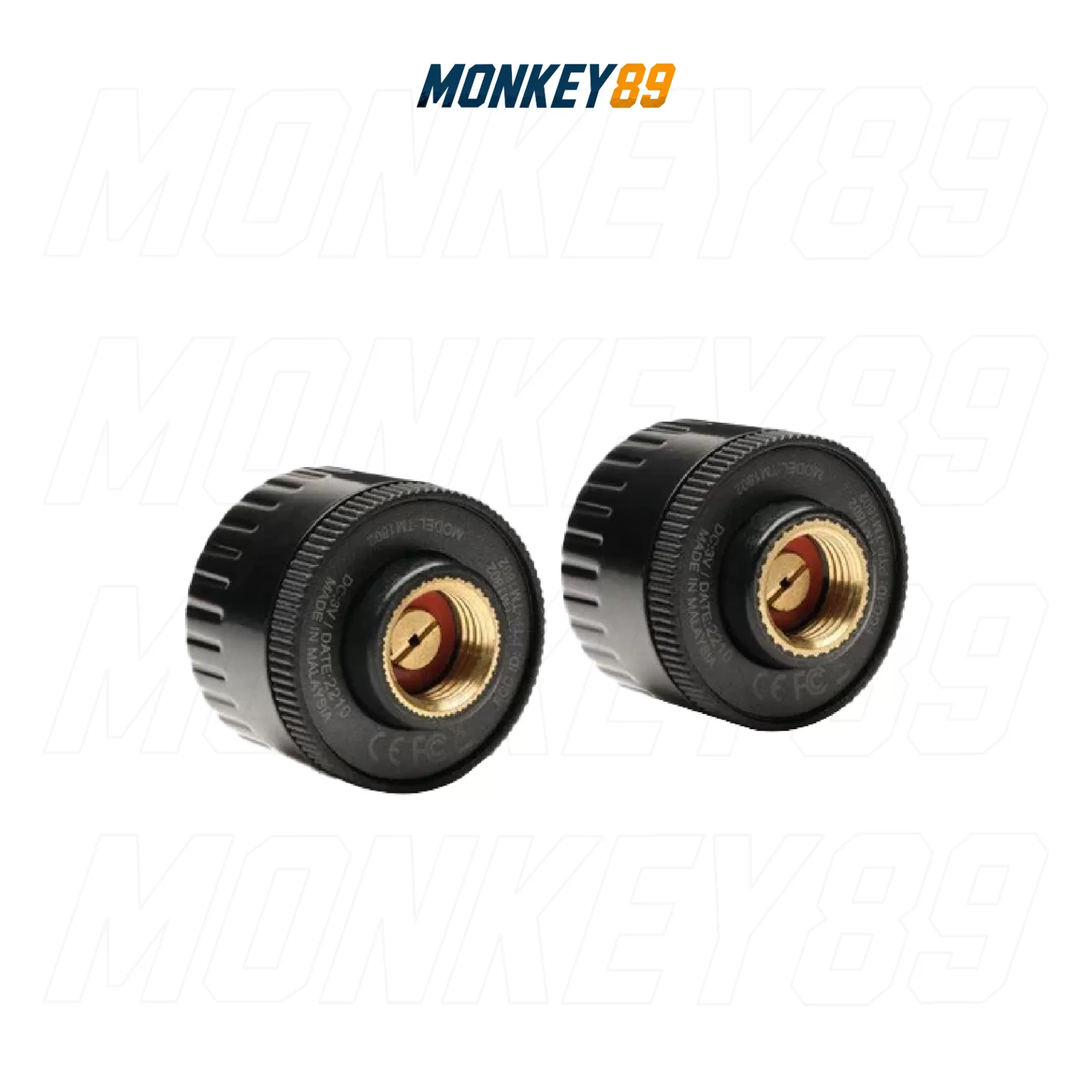
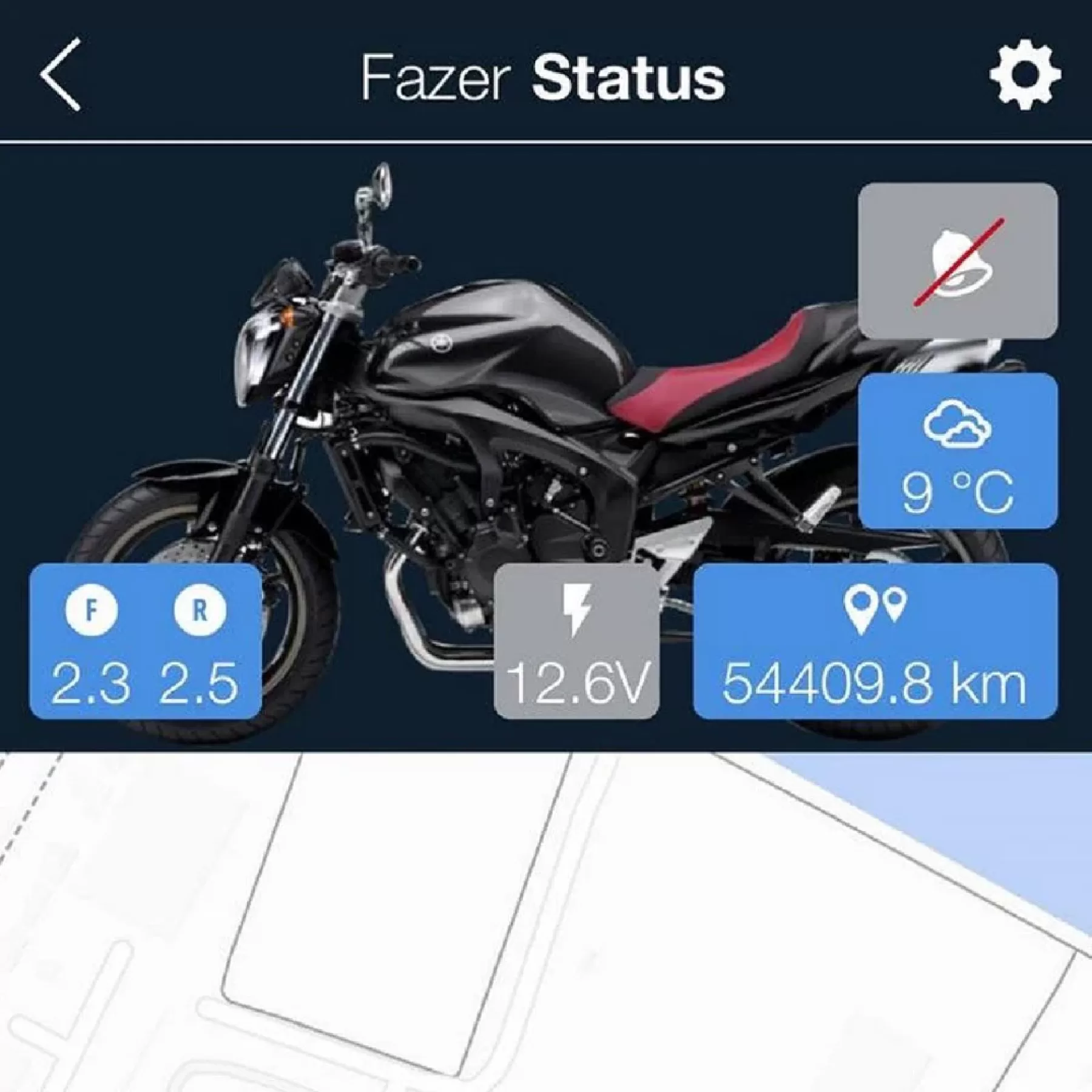
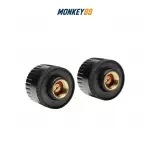
Ensure maximum safety on every ride with the Motogadget mo.pressure Tire Pressure Monitoring System (Part #4002008). This smart TPMS allows you to easily read your tire pressure directly from your smartphone, while sending immediate push notifications to your helmet headset, smartwatch, or phone the moment pressure drops. With an ultra-compact design that seamlessly replaces your standard valve caps, the mo.pressure is an indispensable safety assistant, silently protecting your motorcycle wherever you go.
TECHNICAL SPECIFICATIONS | Motogadget mo.pressure
| ATTRIBUTE | DETAILED SPECIFICATIONS |
|---|---|
| Brand | Motogadget (Made in Germany) |
| Part Number (SKU) | 4002008 |
| Dimensions & Weight |
Ultra-lightweight at 7.5g, Diameter 20.2mm x Height 16mm |
| Measuring Range |
0 - 10 bar |
| Protection Rating |
IP68 certifi ed for ultimate water and dust resistance |
| Valve Compatibility |
Fits standard Schrader / AV valves |
| Battery Type |
CR1632 coin cell battery |
| Battery Life |
Up to max. 2 years under normal operating conditions |
| Box Contents |
Set includes 2x mo.pressure TPMS sensors including battery |
GROUNDBREAKING FEATURES & CONNECTIVITY
-
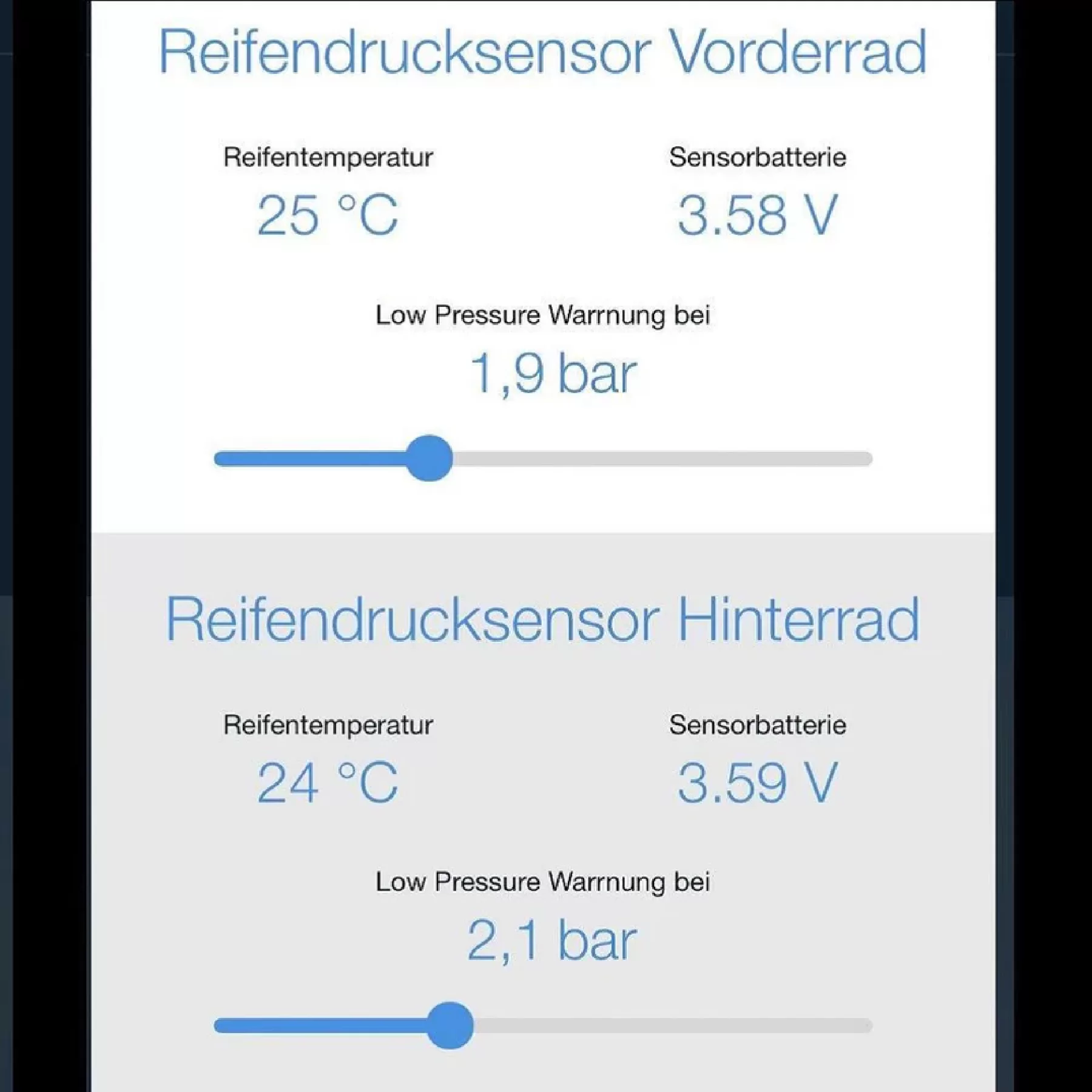
Continuous Bluetooth Beacon: The mo.pressure functions as a Bluetooth beacon device, continuously transmitting tire pressure, battery status, and device temperature directly to your smartphone.
-
Free mo.ride App Integration: The system requires the dedicated motogadget mo.ride app to process and display the incoming data streams.
-
Customizable Safety Alerts: You can adjust the warning thresholds effortlessly using sliders within the app. The app will immediately warn you as soon as the tire pressure deviates from your individually set standard value.
INSTALLATION & MAINTENANCE GUIDE
-
Hardware Installation: Simple plug-and-play installation. Just screw the mo.pressure directly onto the tire valve stem instead of the standard valve cap.
-
Device Pairing: Inside the mo.ride app, choose "Hardware pairing". The app will prompt you to screw the first sensor onto the front wheel valve stem and confirm, followed by screwing the second sensor onto the rear wheel valve stem and confirming to finish the pairing process.
-
Battery Replacement: To replace the battery, unscrew the top cover of the sensor unit. Be extremely careful not to damage the rubber gasket, as doing so may severely affect the water resistance of the unit. Ensure the new battery is inserted with the "+" sign facing up, pointing away from the PCB. Note that operating the sensors in extreme cold or hot temperatures may reduce battery life.